
Let the confirmed structure guide the artwork.
Prepare packaging artwork around an approved dieline, clear finish layers and an agreed revision before the sample stage.
- Confirm the structure. Use the dieline for the agreed format and dimensions. A product photograph is not a production template.
- Separate the production layers. Identify print, cut, crease and any foil or embossing instructions clearly.
- Check the placed artwork. Review folds, seams, orientation, required product information and the agreed safe areas.
- Agree the revision. Give the artwork a clear version and confirm what the sample needs to represent.
Color, material and finishing should be reviewed together. Confirm the file requirements for the actual project rather than assuming one template fits every format.
What should a sample confirm?
- Identify the sample. Note the packaging format, dimensions, material and artwork revision. Confirm whether you are reviewing a screen layout, a stock example or a sample prepared for your project.
- Choose what to check. Review wording, placement and orientation on the layout. Use an agreed physical sample to check fit, opening and finish with the intended contents. Discuss critical colors against an agreed reference, material and viewing conditions.
- Record the approval scope. Keep a record of the agreed points, requested changes and checks still open. If the artwork, size, material or finish changes, confirm what needs another review and how this affects the schedule.
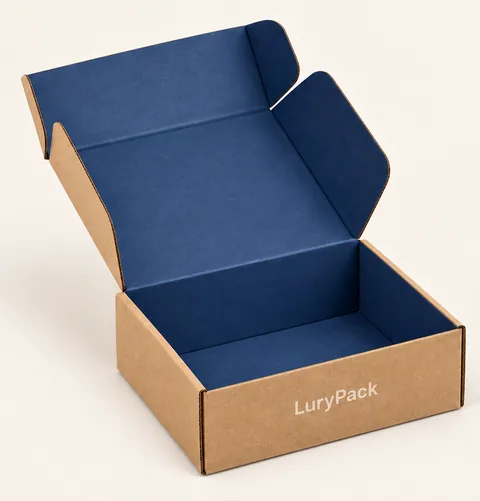
- Inside lid / Front panel
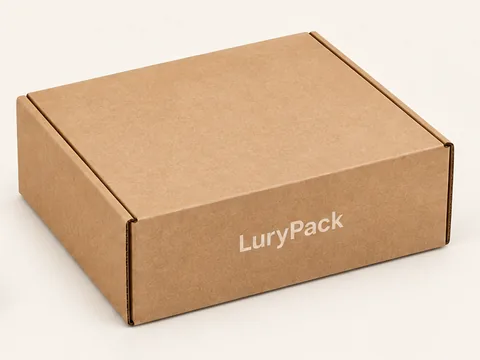
- Outer lid
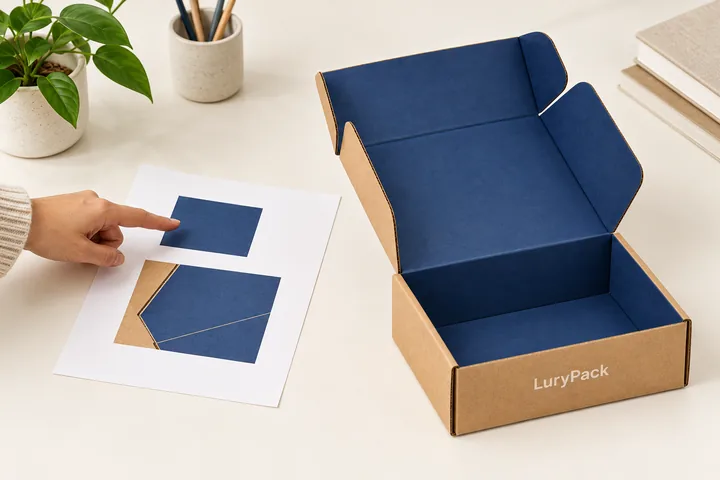
- Artwork reference
- Physical sample
- Review together